
 Windows
CNC Simulator DEMO
SKU: 4457d-DC
Instant Download
Receive the software immediately after purchase
Official License
Original and guaranteed product
Technical Support
Dedicated assistance included
Updates
Free updates during the license period
Product Description
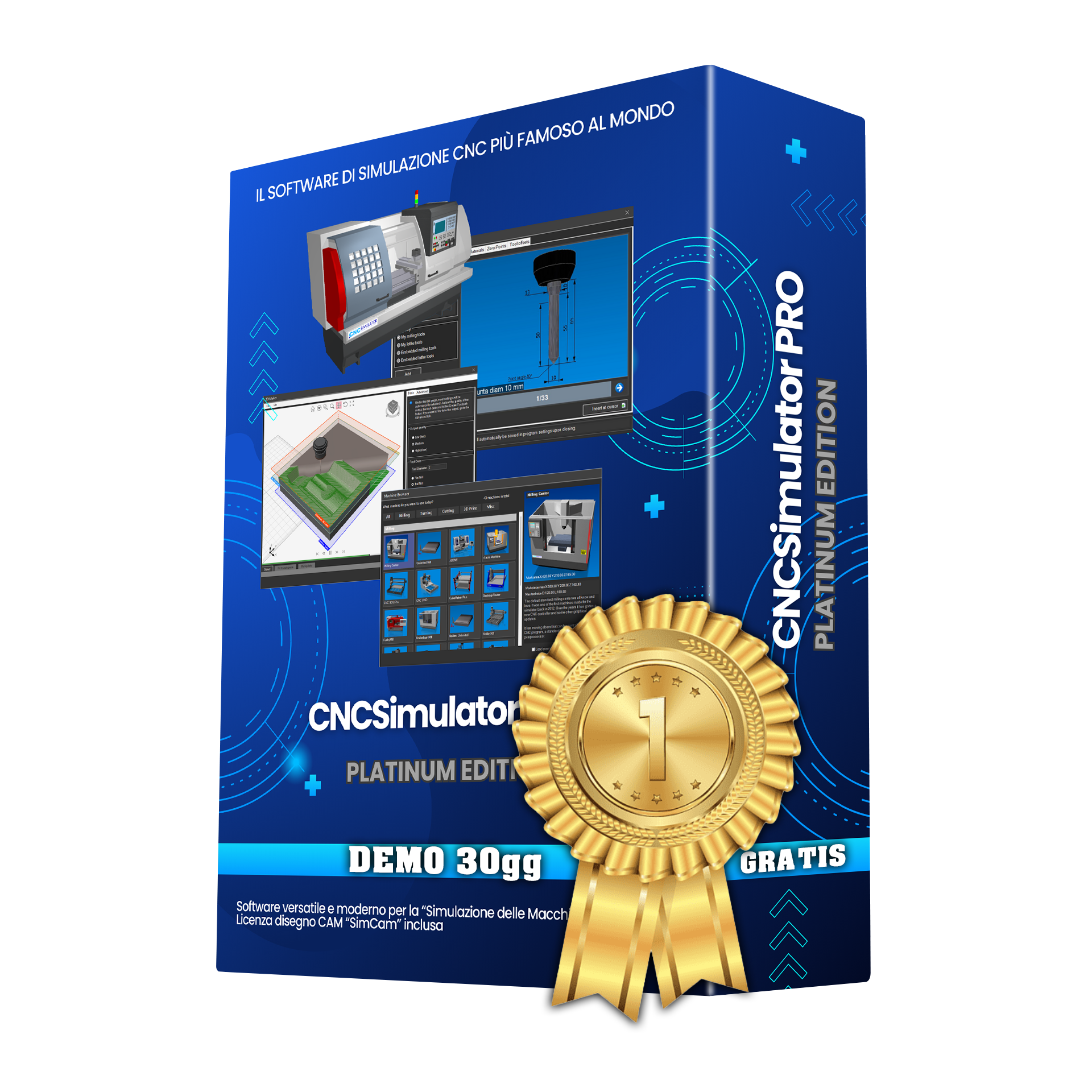
Try CNC Simulator Pro - Free Demo Version
Discover the most comprehensive CNC simulator on the market with a 29-day free trial!
CNC Simulator Pro is professional simulation software that allows you to program, test, and verify your CNC programs in a safe virtual environment, without risk to machines or materials.
What does the Demo version include?
Full access to the Platinum Edition for 29 days with no limitations:
- Over 40 machine tools including lathes, milling machines, machining centers, waterjet cutters, lasers, plotters, and 3D printers
- Realistic 3D simulation with full visualization of the machined part
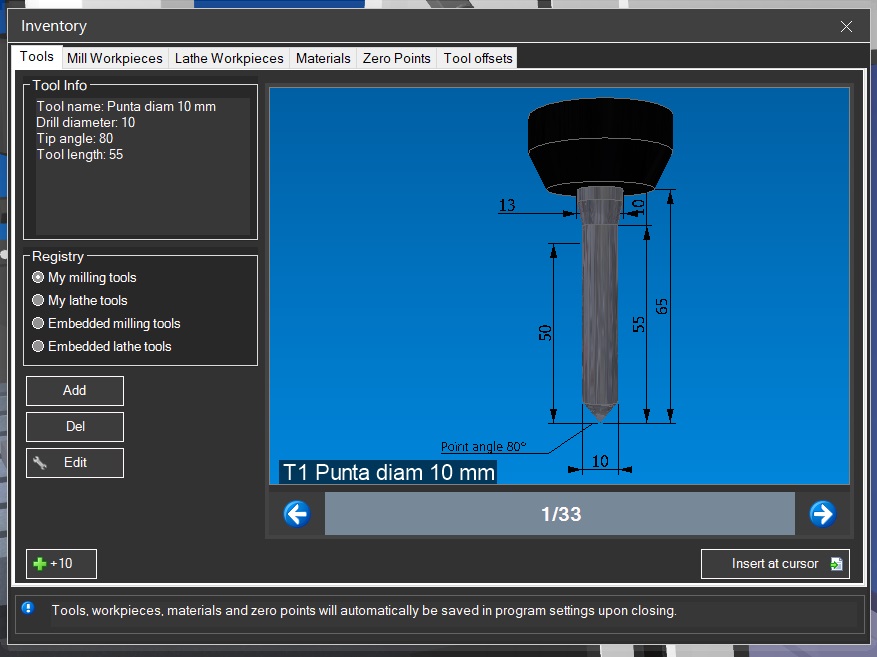
- Advanced tool management with a comprehensive library and customizable offsets
- Configurable materials with realistic physical properties
- Zero points and coordinates for precise setup, just like on real machines
Who is it for?
CNC Simulator Pro is the ideal tool for:
- CAM Programmers - Verify your programs before production
- Machine operators - Practice without tying up the actual machine
- Toolmakers - Test setups and tooling in a virtual environment
- Students and instructors - Learn CNC programming safely
Intuitive and professional interface
Manage materials with custom colors, physical properties, and cutting speeds.

Configure workpieces for lathes and milling machines with precise dimensions.

Manage tools and offsets just like on a real CNC control.
System Requirements
| Operating System | Windows 10 or later (64-bit)
| Framework | Microsoft .NET Framework 4.8
| RAM | 4 GB minimum, 8 GB recommended
| Graphics Card | DirectX 11 compatible
How does it work?
- Download the software
Click the Download Demo button and save the file to your computer’s Downloads folder. - Install by following the wizard
- Activate the License
Upon first launch, the software is already activated and your 29-day free trial begins. - Start Using
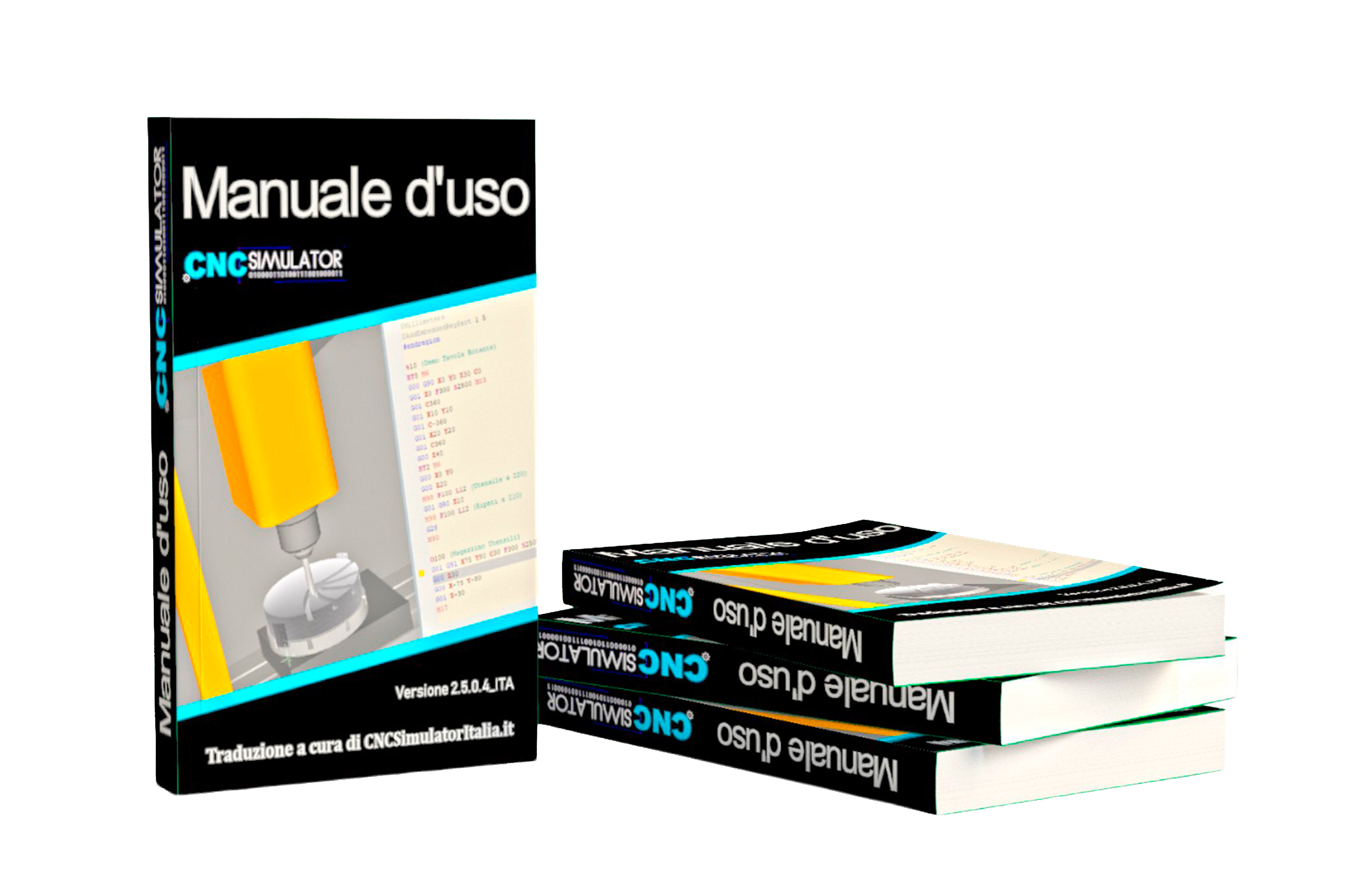
The software is ready! Consult the user manual found at the bottom of the pages in our Online Workshop under Documentation and consult the CNCSimulator PRO User Manual.
After 29 days?
At the end of the trial period, you can:
- Purchase a license to continue using all features
- The software will stop working if it is not renewed
Start your free trial today and discover why thousands of professionals choose CNC Simulator Pro!
Image Gallery
Key Features
- Professional CNC simulation software
- Intuitive and user-friendly interface
- Compatible with Windows 10/11
- Dedicated technical support included
- Free updates during the license period
Have questions about this product?
Our team is available to help you choose the best solution for your needs.